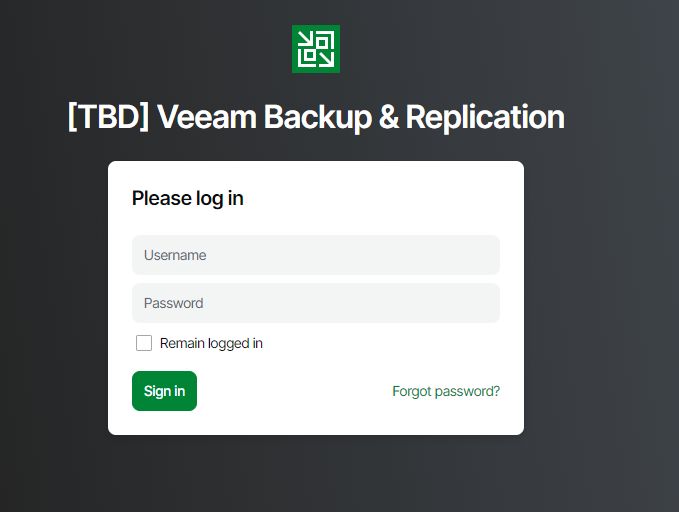
Now that we know Veeam Backup and Replication 13 will have its own special WEB UI, a thought crossed my mind: “How can I get visibility into my Veeam environment safely and securely?” One can use some form of traditional VPN, but maybe you don’t want to utilize any traditional VPN, or you don’t want a separate VPN just for Veeam. How about accessing your Veeam Backup and Replication 13 WEB UI with a Cloudflare Tunnel?
Veeam has released a special build for V100 members to give us a first look at Veeam Backup and Replication 13 on Linux. Keep in mind that this is a preview build, and any/all functionality may change upon GA.
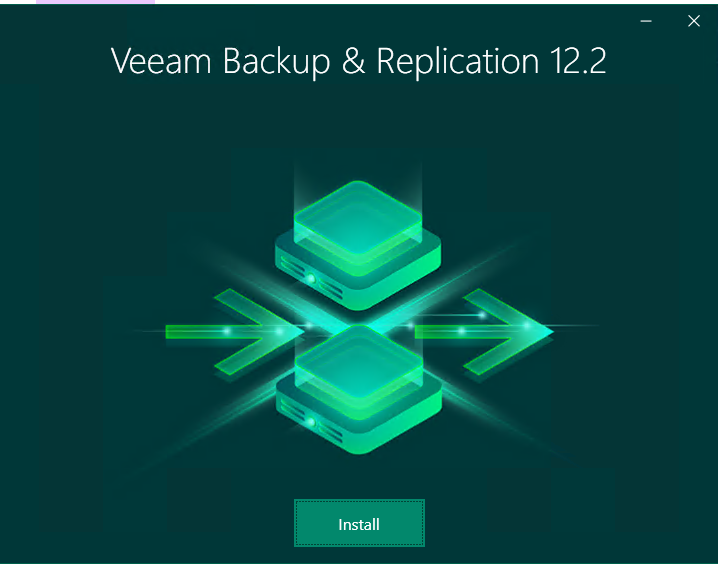
Just recently Veeam Backup & Replication version 12.2 was just released offering many new features and some very important security fixes! Here we will walk you through how to install Veeam 12.2.
ISO First, download the latest version from Veeam in ISO format from their downloads page. https://www.veeam.com/products/downloads/latest-version.html
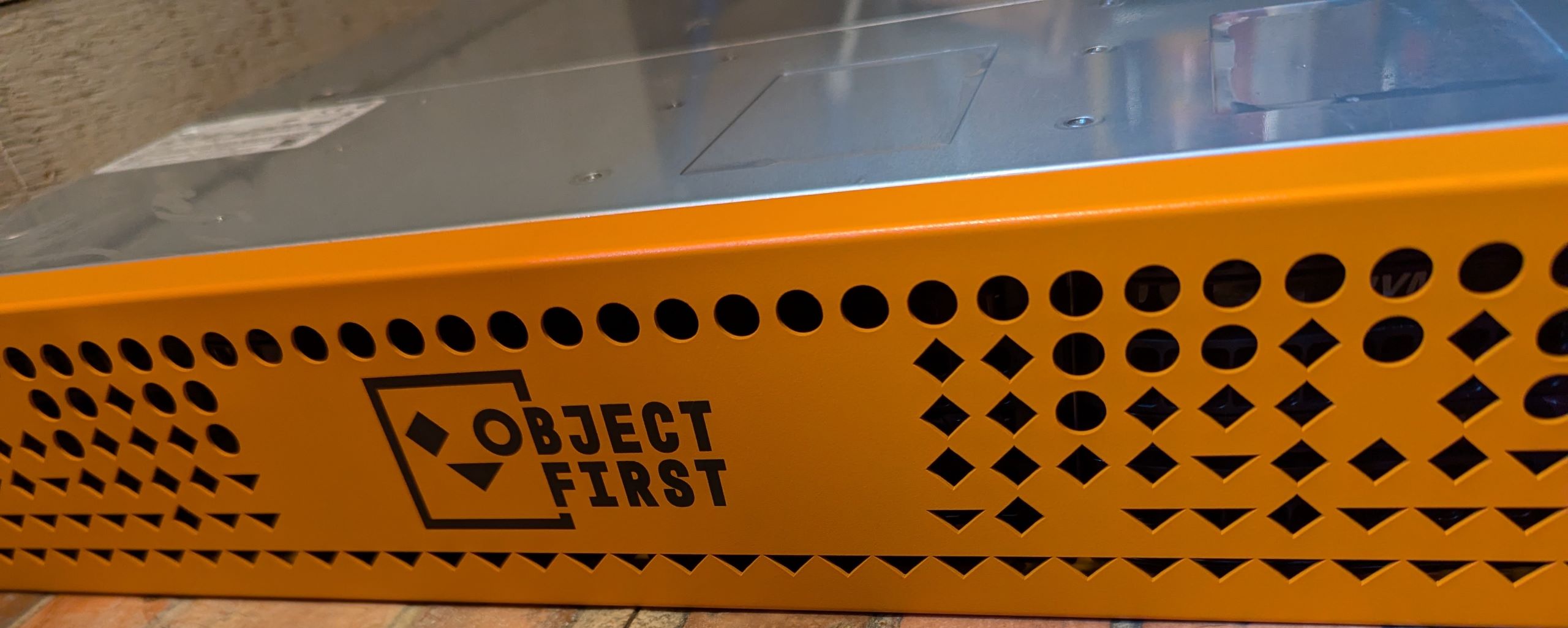
Now that we have racked and configured the first Object First OOTBI cluster, let’s look at the WEB UI.
Logging in - First Time The first time you log into the Object First WEB UI you get presented with a nice little wizard to walk you through everything you need to do to get your first bucket setup. It works well - you get what you need done, step by step. I wanted to poke around first, but I went through the wizard anyway, just to make sure I am getting the full OOTBI experience.
IPMI First, you need to connect to the IPMI interface. You can either plug this into a network with DHCP enabled and connect to that DHCP-provided IP, or you can enter the setup menu during boot and configure the IPMI with a static IP. If you choose to go the DHCP route, you can always switch this to static later either via the IPMI web GUI or via the boot menu.
So you’ve received your Object First Appliance. What now?
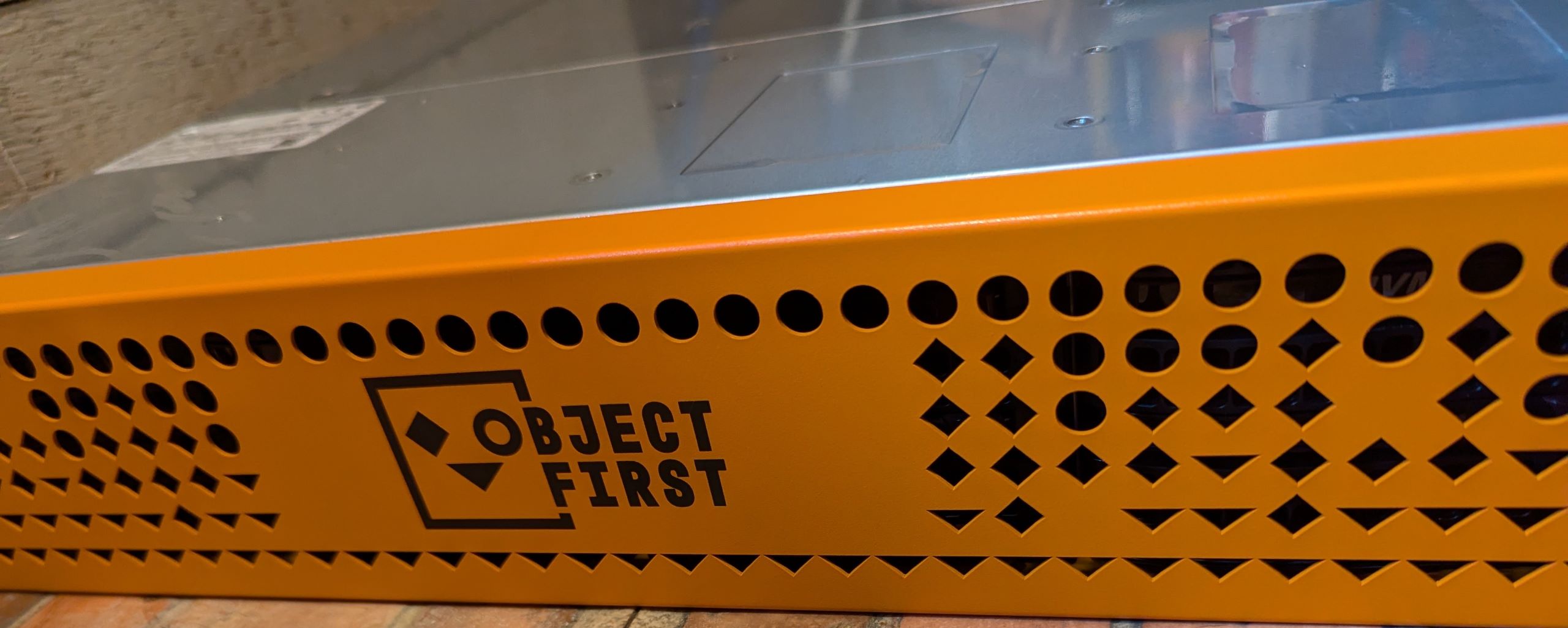
First, we’re going to have to unbox it and deploy it. In the box, we get everything we need to set up our new OOTBI. Yes, OOTBI (Out of the box immutability). It is a silly name, but it has one goal - to provide you with a solid Veeam-compatible storage appliance with immutability enabled right from the start.
The newest release of Veeam v12.2 came with an unexpected twist - multiple high level CVEs were reported to be fixed in Veeam v12.2. While security fixes are generally expected in every new release of any software, what was unexpected was this disclosure came so quickly after the Veeam 12.2 version was released.
Immutability is an important component of any backup strategy. However, as an S3 provider, immutability can often leave you with data locked for a longer term than you really want.
Immutable modes Minio offers three different immutability modes that can be enabled on objects.
Issue When upgrading our one production NSX 4.1.2.1 environment I ran into an interesting error trying to upgrade our Bare Metal Tier 0 nodes.
Prepare edge upgrade bundle https://10.10.0.1/repository/4.1.2.3.0.23382408/Edge/nub/VMware-NSX-edge-4.1.2.3.0.23382424.nub failed on edge TransportNode UUID: clientType EDGE , target edge fabric node id UUID, return status Download and verify bundle failed with msg: Checking upgrade bundle /var/vmware/nsx/file-store/VMware-NSX-edge-4.1.2.3.0.23382424.nub contents Verifying bundle VMware-NSX-edge-4.1.2.3.0.23382424.bundle with signature VMware-NSX-edge-4.1.2.3.0.23382424.bundle.sig Failed to verify bundle: ['gpg', '--homedir', '/root/.gnupg', '--verify', '/tmp/tmpc75b6zcx/VMware-NSX-edge-4.1.2.3.0.23382424.bundle.sig', '/tmp/tmpc75b6zcx/VMware-NSX-edge-4.1.2.3.0.23382424.bundle'] returned 2: b"gpg: Signature made Mon 26 Feb 2024 10:40:20 PM MST\ngpg: using RSA key E51BDAAAFDF4DC95\ngpg: Can't check signature: No public key\n" . However, my T1 edge nodes (which were set to upgrade first) had no problem with the same upgrade package. What a mystery!
Introduction There are some tuning benefits you can utilize for your Minio deployments to make things a bit smoother. Here I’ll walk you through how to configure certain “ethtool” settings and have them persist across reboots, specifically on RX and TX buffers and coalescing values.